Airtable Series
Offered by: Ritz7

Airtable Series

0 students enrolled
Self Study
$39
$104
63% OFF
10 days
Lifetime access

Objectives

Architect Relational Databases: Move past standard flat spreadsheets to model dynamic multi-table schemas with rigid Primary and Foreign keys.
Master the Airtable Interface Builder: Construct modern front-end user panels, distinct record queues, and dashboard graphs built explicitly for the end-user.
Integrate Cross-Application Triggers: Synchronize core databases smoothly with external channels such as Slack, Gmail, and Google Calendar.
Deploy Advanced Field Agents: Configure embedded AI models to dynamically translate content, run deep match operations, and extract metrics out of PDFs.
Build End-to-End Scheduled Automations: Set up production-ready looping logic and scheduled digests that isolate specific records and alert assignees sequentially.

What You Will Learn

Foundations of Relational Bases: Define visual workspace portfolios, convert plain text data into strict field categories (Single selects, multi-selects, currencies, percentages), and structure parent-child tables.
Relational Mapping & Field Linking: Connect mismatched spreadsheets by converting raw tracking properties into cross-table references (Link to Another Record). Learn to toggle lookups while managing unique user maps.
Omni AI Structural Building: Utilize conversational text prompts inside Airtable’s native Omni workspace engine to build custom text tables, produce automated workflow mockups, and spawn data logs without manual schema entry.
Advanced Field Agents (Attachment Intelligence): Embed multi-modal AI block nodes inside your tables to track uploaded files. Automatically transcribe and summarize attached PDFs, run deep search queries, and dynamically modify portraits (e.g., matching image attributes via prompt guidance).
Interface Panels & Data Visualization: Package data into stylized layouts using the Interface Builder. Deploy interactive Pivot grids, set metric target counts, configure vertical column charts, and set up precise filtered workspaces for team members (such as dedicated user-view profiles).
Smart Form Logic & Field Grouping: Design visual intake forms connected directly to underlying project directories. Manage column requirements, construct field section headers, toggle side-by-side vs. stacked property displays, and utilize conditional validation parameters.
Cross-Platform Actions & Loop Reminders: Establish complex automated logic grids using precise trigger filters. Construct conditional loops that automatically verify expiration thresholds, modify dates dynamically on Google Calendar, push targeted chat messages to public/private Slack channels, and compile individual data summaries using specialized Repeat for Each iteration scripts.

About This Course

This course bridges the gap between basic spreadsheet entry and building full-scale, intelligent software solutions. You will move from foundational structural design to mastering Airtable as a relational database engine combined with dynamic front-end user interfaces. Instead of just tracking static grids, you will discover how to harness Airtable Omni AI to automatically generate tables, build dashboards, evaluate complex logic, and create custom interface sections. Additionally, the curriculum dives into advanced data operations, multi-table relationship links, strict conditional email systems, cross-platform triggers, and field agents that can parse raw attachments on autopilot. It provides a definitive roadmap for non-technical creators, operations leaders, and entrepreneurs looking to run their business infrastructure on an app ecosystem they control completely.


Topics Covered

Airtable Series

  • Day 1: Airtable Tutorial for Beginners (Build Apps Without Coding)
  • Day 2: How to Import Data into Airtable (Full Guide)
  • Day 3: How to Use Airtable AI to Build Anything
  • Day 4: Airtable Field Agents Tutorial (Beginner Guide)
  • Day 5: Airtable Forms Tutorial – Build Forms Manually + With AI
  • Day 6: How to Use Airtable Interfaces
  • Day 7: How to Use Airtable Automations
  • Day 8: Airtable Automations Tutorial – Slack Alerts, Email Reminders & AI Task Digests
  • Day 9: Airtable Templates Tutorial – Import, Export, Extensions and Scripts
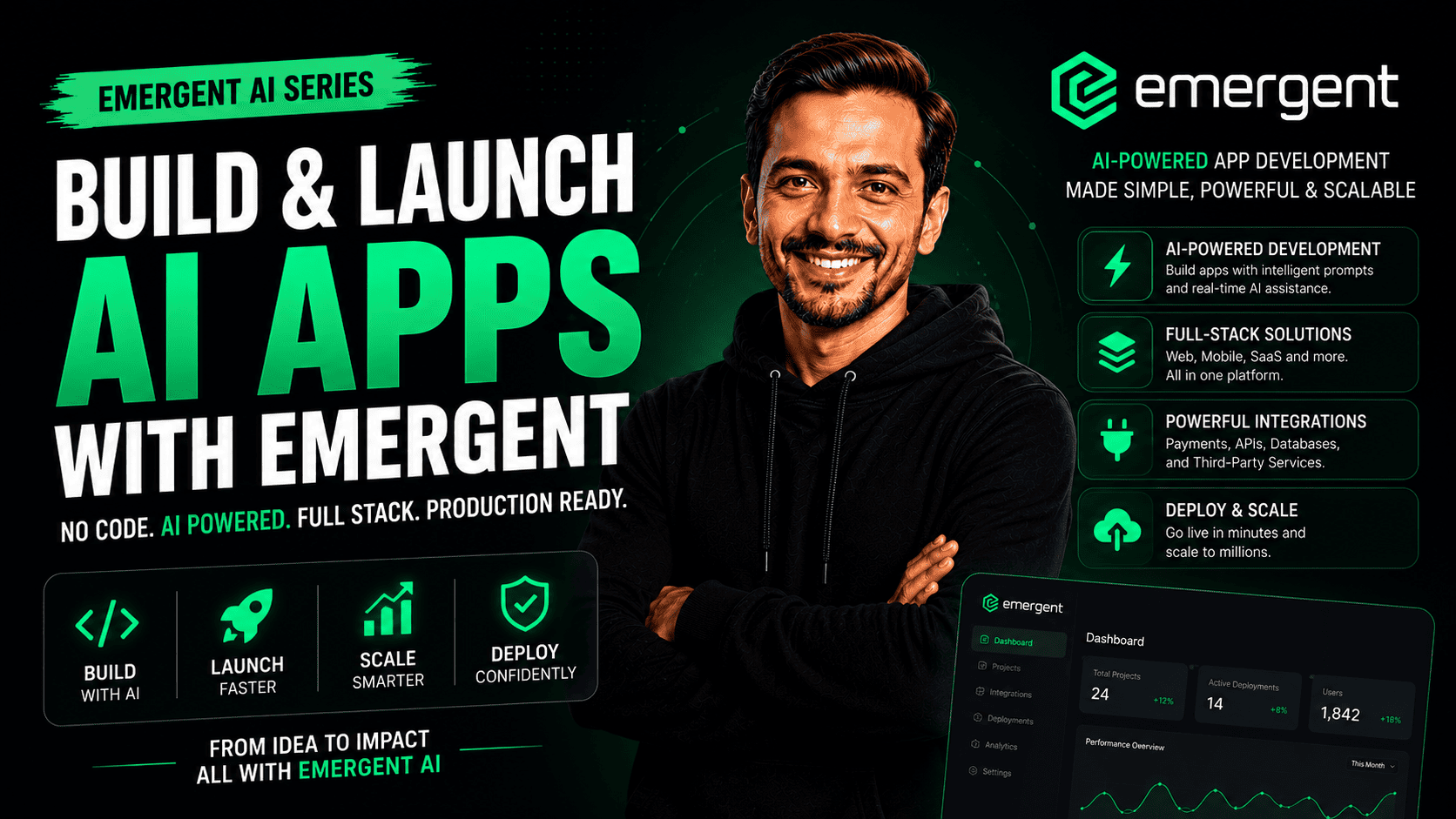
  • Day 10: Build a Project Management App Using Emergent AI + Airtable + Claude

Meet Your Instructors

Ritesh's profile

Ritesh Hegde

Frequently Asked Questions

Do I need any database design or software engineering experience to take this course?

No coding or SQL engineering background is required. This course leverages Airtable’s drag-and-drop structural logic and natural language AI prompts. If you understand basic data categories and logical dependencies, you can easily progress to creating complete operational apps

What makes Airtable different from traditional software like Google Sheets or Microsoft Excel?

 While spreadsheet programs are designed for linear calculations, Airtable operates as a relational database. This allows separate tables (such as Clients, Projects, and Invoices) to communicate seamlessly without repetitive data entry. Furthermore, its built-in Interface panels, forms, and workflow engines turn your data grids into fully functioning software apps.


Will I need to subscribe to premium plans to practice the configurations shown in this training?

No. Setting up a new account automatically unlocks a 14-day premium trial of the team environment. The fundamental database features, basic form designs, lookups, and essential logic flows can all be developed using the standard free tier layout. Advanced features, such as deep-match integrations, writing scripts, or heavy AI usage, require a premium tier.


What is a

A Field Agent is an automated property block powered by advanced LLMs (like GPT-4 or Gemini) embedded directly into your table layout. When text fields change or documents are dropped into attachments, the field agent analyzes the content instantly to output clean summaries, extract tags, or perform automated matching logic behind the scenes.


Can I safely expose interface forms or project dashboards to outside stakeholders?

Absolutely. You will learn how to configure granular database permissions. You can generate open public web view forms to accept external entries safely while keeping internal logic confidential. For team workspaces, you can easily restrict visibility to specific email domains or limit tools strictly to collaborators inside your organization.