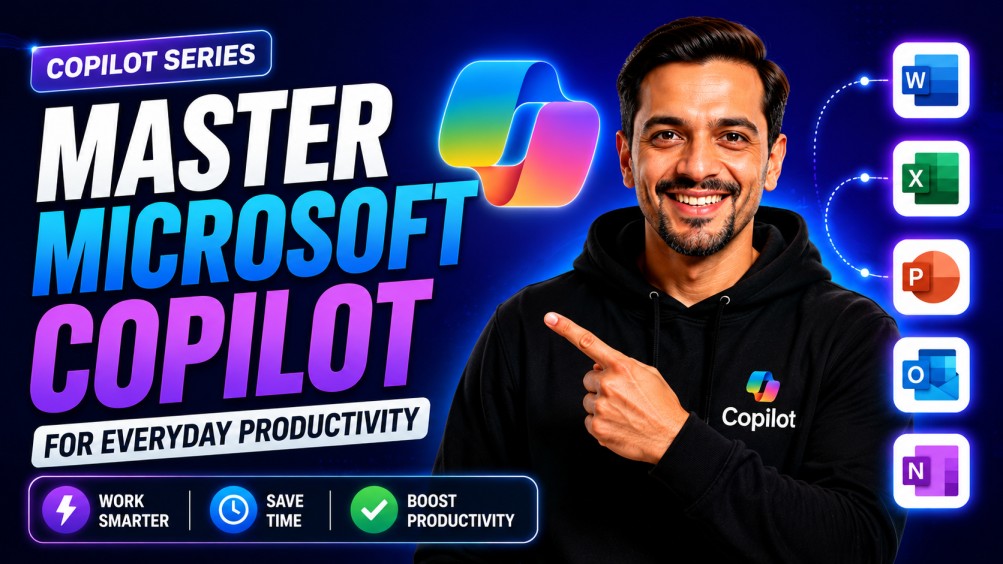
Copilot Series – Master Microsoft Copilot for Everyday Productivity
Offered by: Ritz7

Copilot Series – Master Microsoft Copilot for Everyday Productivity

0 students enrolled
Self Study
$39
$104
63% OFF
2 weeks
Lifetime access

Objectives

Learn to navigate the Copilot interface across the Microsoft 365 ecosystem to streamline daily office tasks.
Use AI to draft emails, summarize long threads, and extract actionable insights from Teams meetings instantly.
Automate the generation of professional documents, data-heavy Excel spreadsheets, and visual PowerPoint presentations.
Deploy Copilot agents and automated workflows to manage files in OneDrive and handle repetitive organizational routines.

What You Will Learn

Custom Agent Building
Meeting & Email Efficiency
Data & Slide Automation

About This Course

Get more out of the tools you use every day by integrating AI directly into your Microsoft 365 routine. This course covers the practical application of Copilot across Word, Excel, PowerPoint, and Teams to help you draft responses, analyze data, and create presentations much faster. You will explore how to summarize long meetings, organize your OneDrive files, and even set up specialized Copilot Agents for specific tasks. It’s about moving past basic prompts to create a smoother, more efficient workflow that handles the heavy lifting of administrative and organizational work.

Topics Covered

Microsoft Copilot for Workplace Productivity

  • DAY 1 How to Use Microsoft Copilot
  • DAY 2 Stop Wasting Time on Emails — Use Microsoft Copilot Instead
  • DAY 3 How I Cut Post-Meeting Work By 80% Using Microsoft Copilot
  • DAY 4 This AI Turns Excel into a SUPERPOWER
  • DAY 5 Still Spending Hours on PowerPoint. AI Can Do It in Minutes
  • DAY 6 How to Use Microsoft Copilot in Word (Step-by-Step)
  • DAY 7 How to Use Microsoft Copilot with OneDrive
  • DAY 8 How I Create Forms & Quizzes in Minutes with Copilot
  • DAY 9 Automate Your Work Using Microsoft Copilot Workflows
  • DAY 10 How to Use Microsoft Copilot Agents

Meet Your Instructors

Ritesh's profile

Ritesh Hegde

Frequently Asked Questions

What is this course about?

This course teaches how to use Microsoft Copilot to improve productivity in daily work. It covers practical use cases across tools like Word, Excel, PowerPoint, Outlook, and OneDrive.

Who should take this course?

  • Students
  • Working professionals
  • Business owners
  • Anyone looking to improve productivity using AI tools 


Do I need prior experience with Microsoft Copilot?

No, this course starts from the basics and gradually moves to advanced features. Beginners can easily follow along.

Which tools are covered in this course?

  • Microsoft Word
  • Microsoft Excel
  • Microsoft PowerPoint
  • Outlook (Emails)
  • OneDrive
  • Forms & Quizzes


Do I need a Microsoft 365 subscription?

Yes, access to Microsoft Copilot (via Microsoft 365) is recommended to practice along with the lessons.

How will this course help me in my career?

  • Work faster and more efficiently
  • Reduce manual effort
  • Improve productivity using AI
  • Stay competitive in an AI-driven workplace