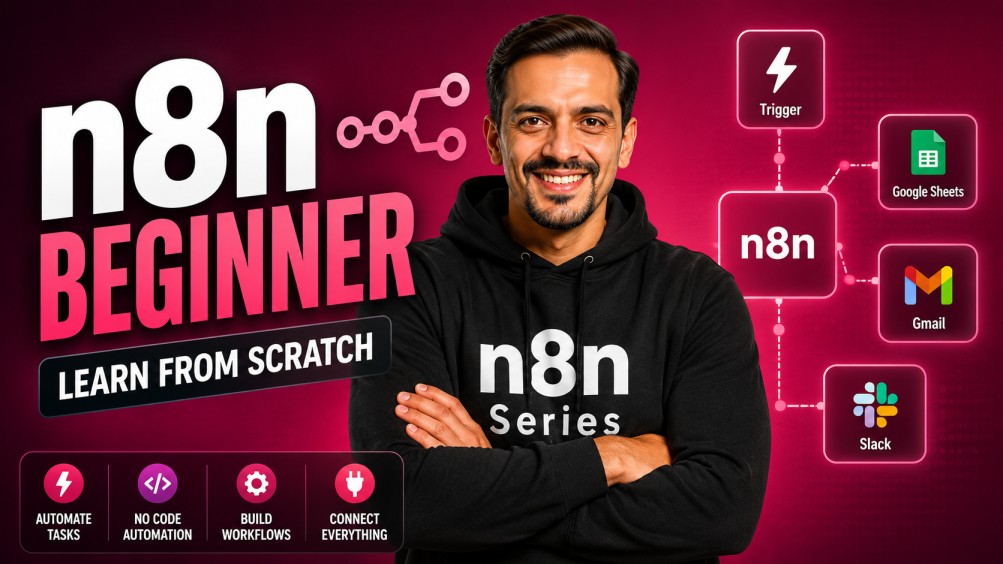
n8n Beginner - Learn n8n from scratch
Offered by: Ritz7

n8n Beginner - Learn n8n from scratch

0 students enrolled
Self Study
$75
$195
62% OFF
20 Days
Lifetime access

Objectives

Learn to set up the platform and navigate the interface to build functional, no-code automation workflows.
Connect APIs like Google Gemini and OpenAI to process text, images, audio, and video automatically.
Build real-world tools for content creation, email management, and automated social media posting.

Prerequisites

Anyone with a laptop and an internet connection can actually learn how to automate.

What You Will Learn

Learn about Triggers and Actions
Learn about Automation
Text based agents

About This Course

This course provides a hands-on foundation in modern automation, moving from basic setup to building functional AI systems. You will learn to bridge different apps—like connecting Google Forms to Gmail or syncing Sheets with LinkedIn—while integrating Google Gemini to handle content and data. Instead of just linking tools, you’ll learn how to clean data, use conditional logic, and handle "human-in-the-loop" steps to ensure accuracy. It is a practical roadmap for anyone looking to build custom tools that manage documents, transcribe audio, and summarize complex information automatically.

Topics Covered

n8n Automation

  • Day 1: What Are AI Agents & How They Work – N8N Setup Tutorial
  • Day 2: Build Your First No-Code Automation Workflow in N8N
  • Day 3: Automate Email Responses from Form Submission Using N8N
  • Day 4: Google Sheets to Gmail Automation – N8N No-Code Tutorial
  • Day 5: Connect Google Gemini API in N8N – AI Workflow Tutorial
  • Day 6: Clean & Format AI Data in N8N (Gemini to Sheets)
  • Day 7: Automate LinkedIn Posts with Images (N8N + OpenAI)
  • Day 8: Human in the Loop in N8N (Step-by-Step Guide)
  • Day 9: Schedule Automated Workflows in N8N
  • Day 10: Connect Perplexity AI with N8N (Build Powerful AI Workflows)
  • Day 11: Use Filters, IF & Switch Nodes in N8N
  • Day 12: Loop Items, Compare Data & Add Waits in N8N
  • Day 13: Google Gemini Image Generation (N8N Workflow Guide)
  • Day 14: Create AI Videos in N8N Using Google Gemini
  • Day 15: Audio Transcription Workflow with Gemini in N8N
  • Day 16: Break Down Documents Using Gemini in N8N
  • Day 17: YouTube to Blog Automation (N8N + Gemini)

Meet Your Instructors

Ritesh's profile

Ritesh Hegde

Frequently Asked Questions

Do I need to know how to code to use n8n?

No. While n8n allows for JavaScript in "Code Nodes" for complex tasks, this 17-day guide focuses on no-code and low-code methods. You can build 90% of these workflows using the visual drag-and-drop interface.

Is n8n free to use?

n8n is "fair-code." You can use the Desktop app or Self-host it on your own server for free. There is also a paid Cloud version if you want n8n to handle the hosting and maintenance for you.

What is Human in the Loop?

AI can sometimes "hallucinate" or make mistakes. "Human in the Loop" is a workflow design where the automation pauses and sends a notification (like a Slack message or Email) to a human for approval before performing a final action, such as sending an email to a client.

How do I handle errors if a workflow fails?

n8n has built-in "Error Trigger" workflows. You can design a specific workflow that only runs when another one fails, sending you an alert so you can fix the issue immediately.